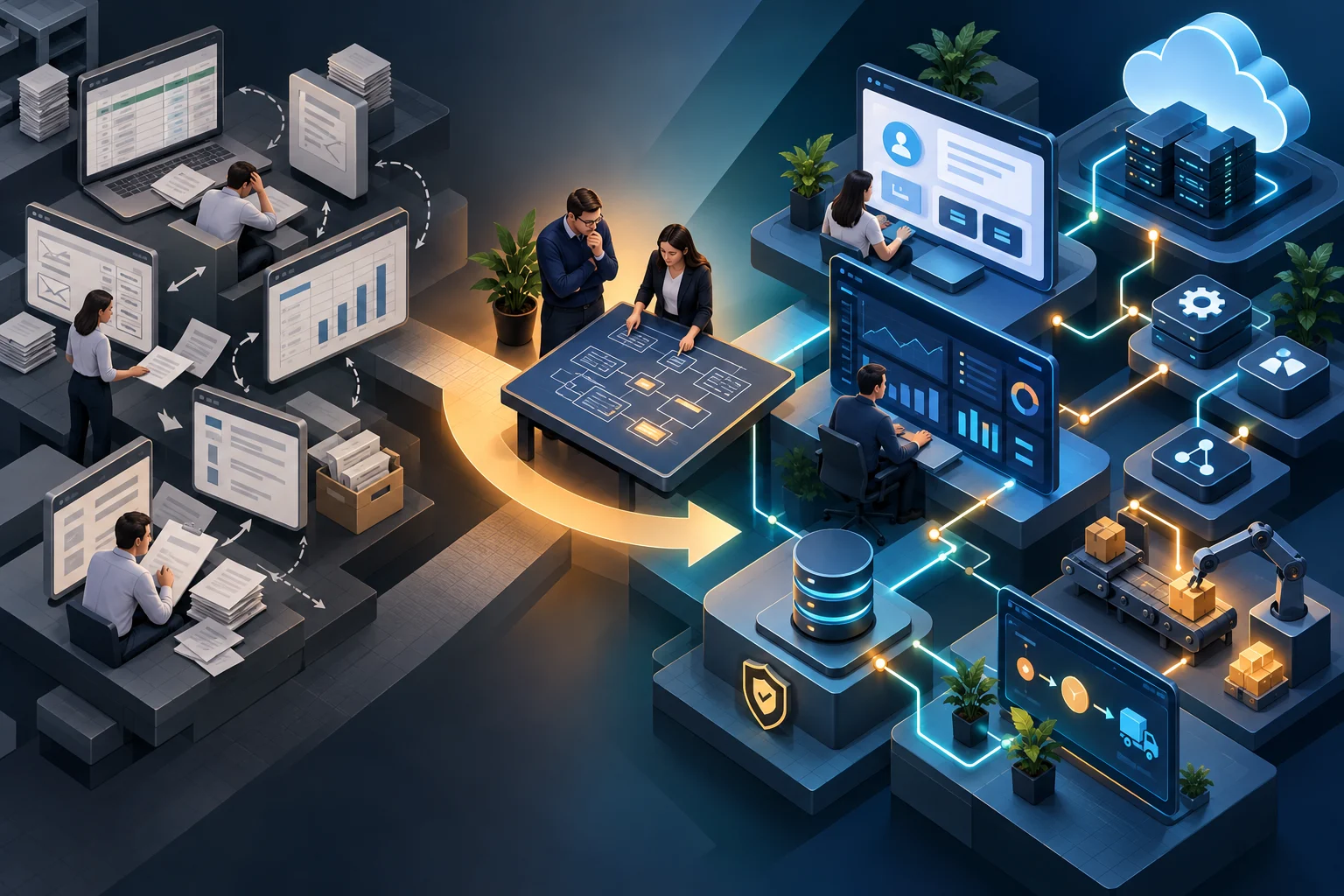
Custom Laravel development services become worth evaluating when the software meant to support a business starts forcing the business to work around it. Employees copy information between systems, customers wait while staff reconcile records, managers distrust reports, and every new requirement becomes another spreadsheet, plugin, or manual exception.
That does not mean every imperfect product should be replaced. Off-the-shelf software is often the most economical answer to a standard problem. The decision changes when a valuable workflow is genuinely distinctive, the compromises are recurring, and the combined cost of subscriptions, manual labor, errors, delay, and missed opportunity exceeds the responsibility of owning custom software.
This guide focuses on that transition point. It explains how to recognize operational fit problems, compare practical alternatives, preserve useful systems, modernize legacy applications, plan integrations and automation, and evaluate the long-term business case for custom Laravel development. For a broader definition of provider responsibilities, see the existing custom Laravel development services buyer’s guide.
Direct answer: when does a business need more than off-the-shelf software?
A business needs more than off-the-shelf software when a strategically important process cannot be represented accurately without excessive workarounds, duplicate systems, uncontrolled manual steps, or compromises that harm customers, employees, compliance, or growth. The strongest case exists when the workflow is both valuable and unusual.
Consider a distributor whose quoting rules depend on territory, inventory, contract terms, shipping constraints, and customer-specific pricing. A generic CRM may store contacts and opportunities, but the actual quote still travels through spreadsheets and email. The missing capability is not another form field. It is a coordinated business process with authoritative data, permissions, calculations, approvals, documents, integrations, and an audit trail.
Custom software should not be justified by preference alone. It should solve a repeated, measurable constraint. The decision framework in our guide to custom Laravel development around business workflows can help separate genuine differentiation from requirements that an established product already handles well.
Seven signs packaged software has become an operational constraint
The first sign is repeated data entry. When the same customer, order, case, or project is retyped across a CRM, spreadsheet, accounting system, and internal database, the organization pays for the work and for the errors it creates. A one-time export is inconvenient; a permanent human integration layer is structural debt.
The second is spreadsheet logic that has become business-critical. Spreadsheets are excellent analysis tools, but a workbook becomes risky when it controls pricing, eligibility, allocation, compliance, or fulfillment without reliable permissions, validation, version history, and tests.
The third is exception volume. Packaged products are designed around common paths. If staff must constantly override status, invent placeholder values, maintain side notes, or ask one expert how to process unusual cases, the system is no longer representing reality.
The fourth is fragmented customer experience. Customers may have separate logins for payments, documents, support, project status, and orders—or no self-service access at all. A tailored portal can present one secure experience while keeping proven systems behind it.
The fifth is weak visibility. Managers cannot answer basic questions without waiting for exports and reconciliation because no system owns the entire workflow. The sixth is inflexible roles and permissions: the product grants too much access, too little access, or cannot express approval limits and organizational boundaries. The seventh is change paralysis. A modest business policy takes months to implement because it crosses several vendors, plugins, and manual processes.
Any one sign may be tolerable. Several recurring together indicate that software fit is affecting operating performance rather than merely causing annoyance.
Measure the real cost of staying with the current system
Subscription price is only one line in the comparison. Calculate the hours spent re-entering data, reconciling reports, correcting preventable errors, training employees on workarounds, supporting customers through avoidable friction, and waiting for information. Include delayed revenue, abandoned transactions, inconsistent decisions, compliance exposure, and the opportunity cost of changes the business cannot make.
Then separate temporary friction from recurring cost. A seasonal import completed by one person may not justify custom development. A daily process performed by twenty people, with errors that affect customers and cash flow, deserves deeper analysis. Estimate volume, time per occurrence, frequency, error rate, recovery effort, and the value of shortening the cycle.
The comparison must also include the ownership cost of custom software: discovery, design, implementation, data migration, testing, infrastructure, monitoring, security updates, support, and future development. A credible Laravel consulting engagement makes both sides visible rather than treating customization as automatically superior. Our Laravel development cost guide explains the factors that drive a responsible estimate.
Choose among configuration, integration, extension, and custom development
The decision is not simply buy or build. Configuration is best when the product already models the workflow and needs thoughtful setup. Integration is appropriate when capable systems hold different parts of the process but need dependable data movement. An extension or focused application can fill one gap while the packaged product remains authoritative. Full custom development is appropriate when the central workflow, rules, or product experience cannot be expressed cleanly in an existing platform.
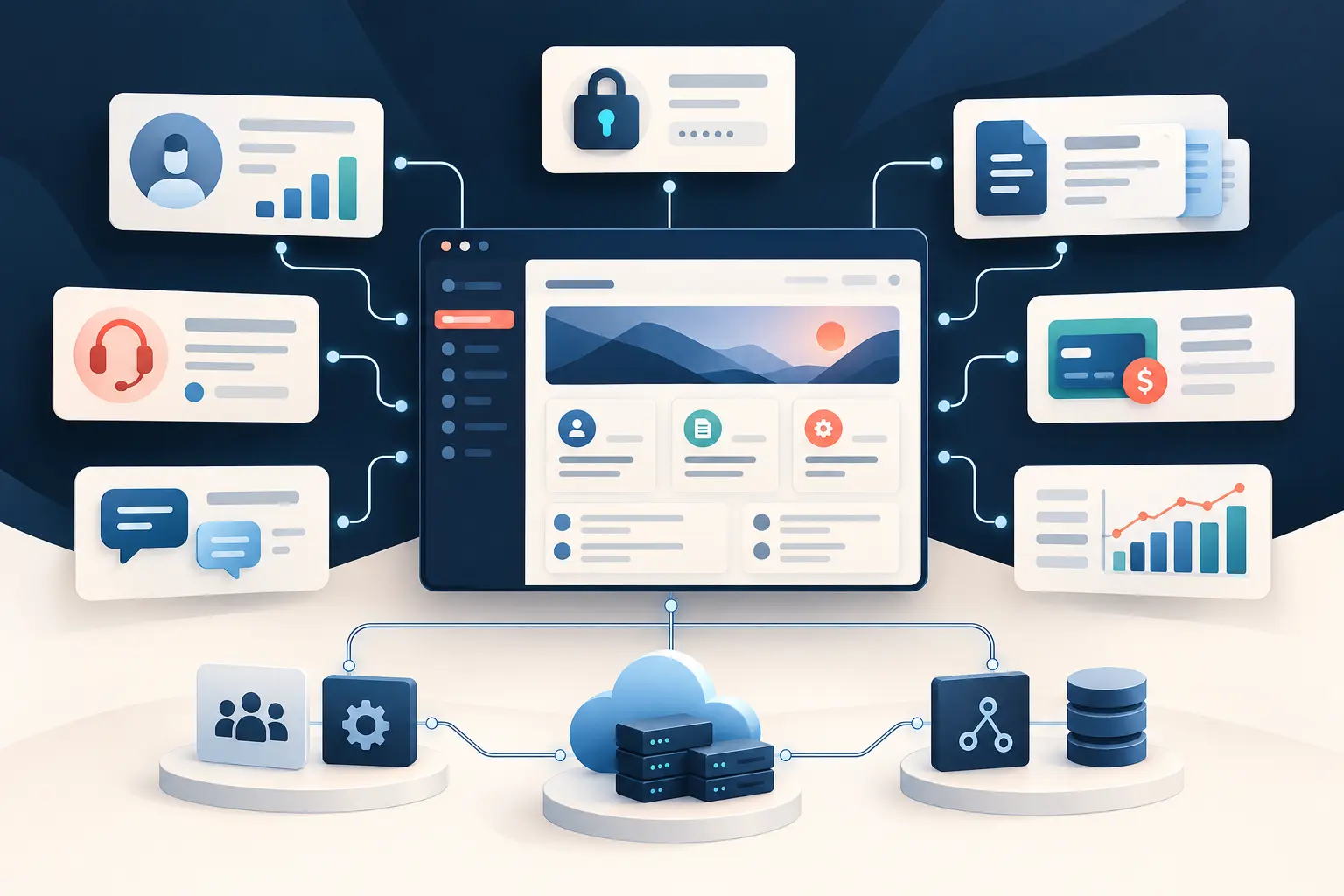
A hybrid architecture is often the strongest business answer. Keep accounting in an accounting platform, payments with a payment provider, and email with a communications service. Let a Laravel application own the distinctive workflow: permissions, customer experience, state transitions, approvals, calculations, documents, and the coordination of external systems.
This approach limits reinvention and vendor sprawl at the same time. The business owns what differentiates it and rents commodity capabilities from providers equipped to maintain them. Experienced custom Laravel web development depends as much on choosing what not to build as on writing code.
Real-world use cases for a custom Laravel application
A customer portal can combine account information, documents, service requests, project status, payments, and messages while enforcing organization-level permissions. A partner or dealer portal can manage territory, pricing, inventory visibility, approvals, training, and co-branded assets. A field-service system can schedule work, collect evidence, handle offline realities, and synchronize billing.
Manufacturers and distributors may need quoting, configuration, order routing, quality records, inventory coordination, or vendor workflows that generic ecommerce and CRM products cannot model. Professional-services firms may need intake, conflict checks, assignments, document generation, deadlines, client communication, and profitability reporting in one controlled process.
A SaaS company may use Laravel for multi-tenant accounts, subscriptions, product workflows, APIs, notifications, reporting, and administration. An established business may need an integration hub that normalizes data from several vendors and gives employees one operational interface. These applications create value because they encode the way the organization actually works, not because Laravel itself is the product.
For a focused example of authenticated self-service, read the custom Laravel customer portal planning guide. Businesses comparing a tailored operational application with a conventional site can also use our guide to Laravel web design versus web application development.
Use integrations to preserve systems that already work
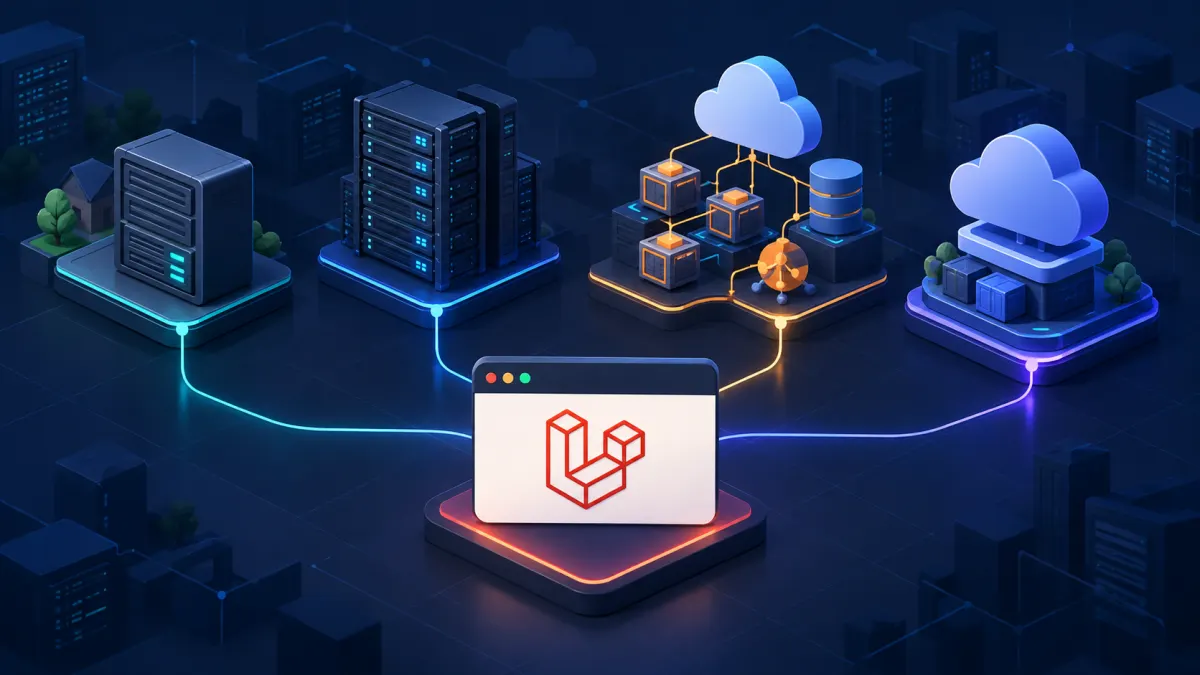
Replacing every system at once multiplies risk. A custom Laravel application can connect to CRM, accounting, payments, shipping, identity, storage, marketing, analytics, AI, and industry-specific services through APIs, webhooks, files, or controlled database interfaces. Each integration needs an explicit source of truth: which system owns the customer, invoice, payment, inventory count, or status?
Production integrations must handle more than successful requests. Tokens expire, vendors throttle traffic, payloads change, webhooks arrive twice or out of order, and one system may accept data another rejects. Reliable implementation validates inputs, prevents duplicate effects, records correlation details without exposing secrets, separates retryable failures from permanent ones, and gives staff a way to resolve exceptions.
Good integration design also reduces coupling. Business rules should not be scattered inside vendor-specific request code. Adapters can isolate external contracts so one provider can change without forcing a rewrite of the central workflow. This is a practical benefit of hiring a Laravel application development partner that understands APIs, data, application architecture, and production operations together.
Turn workflow automation into controlled business execution
Automation is valuable when it removes predictable work without hiding accountability. A Laravel application can validate an intake, calculate eligibility, route an approval, reserve inventory, generate a document, notify a customer, update another system, and record what occurred. Employees then focus on judgment and exceptions instead of moving information between screens.
The safest automation makes state visible. Users should know whether a step is pending, complete, failed, or waiting for review. Important actions need authorization, idempotency, timestamps, actor identity, and an audit history. Failures should create a recoverable task rather than disappearing into a log no business user sees.
Start with one bounded workflow whose baseline can be measured. Track cycle time, touches per case, error rate, completion rate, support volume, and time spent on exceptions. Evidence from that release informs whether the next automation deserves investment and prevents a broad transformation program from becoming an untestable promise.
Modernize a legacy application without discarding business knowledge
A legacy application may look outdated while containing years of valuable rules. A rewrite that begins from screenshots or a feature checklist can miss the conditions encoded in database constraints, reports, scripts, integration behavior, and employee workarounds. Modernization should begin by mapping users, critical workflows, data, dependencies, deployment, security, incidents, and recovery.
Stabilization may come before visible features: establish source control and environments, fix unsafe access, capture logs, verify backups, add tests around critical behavior, document deployment, and upgrade unsupported dependencies in a controlled sequence. These steps create a safer platform for change and reveal whether staged improvement is more economical than replacement.
When replacement is justified, divide the system along meaningful boundaries. A new portal might use the existing database through a controlled service while the back office remains unchanged. One workflow can move to Laravel while the old application continues to handle the rest. Data migration should include mapping, validation, rehearsal, reconciliation, cutover, and rollback—not merely an import script.
Our legacy PHP application modernization service and guide to upgrading a legacy PHP application cover the technical assessment and staged transition in more detail.
Plan for long-term maintenance before the first release
Custom software is an operating asset, not a completed purchase. Browsers, PHP, Laravel, databases, cloud services, APIs, security expectations, and business rules continue to change. Long-term maintenance includes dependency updates, framework upgrades, monitoring, backup verification, incident response, performance review, provider changes, documentation, and planned product work.
The business should control the repository, domain, cloud accounts, credentials, data, and third-party subscriptions. Environments and releases should be repeatable. Monitoring should cover user-visible outcomes and external dependencies, not only whether a server responds. Recovery responsibilities, support expectations, and deployment authority should be explicit.
Maintainability also comes from code structure and delivery habits: clear domain language, focused components, authorization policies, database constraints, automated tests, code review, small releases, and architecture decisions that another qualified developer can understand. The goal is not eliminating future change; it is making change safer and more predictable. See the Laravel maintenance and support guide for a practical ownership model.
Business benefits of hiring an experienced Laravel developer
An experienced developer does more than translate a list into code. They ask which outcome matters, where authoritative data lives, how permissions should work, what happens when an external service fails, which assumptions need validation, and how the organization will operate the application after launch.
That judgment protects the business from both underengineering and unnecessary complexity. A senior developer can recommend a packaged tool when it is sufficient, design a narrow integration when replacement would be wasteful, and identify the parts of a custom system that require stronger testing, security, observability, or data controls.
The resulting benefits can include shorter process cycles, fewer errors, better customer self-service, consistent decisions, reliable reporting, stronger access control, faster onboarding, and the ability to change a differentiating workflow without waiting for a software vendor’s roadmap. A capable Laravel development company should connect those outcomes to incremental releases and measurable evidence rather than promise transformation through technology alone.
How to evaluate a Laravel development partner
Ask candidates to explain a similar business problem, not simply list framework features. Discuss who performs discovery, how workflow knowledge becomes acceptance criteria, how architecture and database decisions are reviewed, how integrations are tested, and how releases, monitoring, incidents, and maintenance are handled.
Request clarity about estimates, assumptions, exclusions, source-code ownership, third-party accounts, documentation, security, data migration, and handoff. For an inherited application, be cautious of confident rewrite recommendations made before repository, database, logs, infrastructure, and users have been examined.
A strong partner can describe tradeoffs in plain language and stage uncertainty rather than conceal it inside a fixed promise. Use our detailed guide to choosing a Laravel development company and the Laravel consulting guide to compare advisory depth, delivery capability, and long-term accountability.
A lower-risk path from packaged tools to custom software
Begin with a paid discovery or assessment that produces a workflow map, system inventory, risk register, measurable baseline, recommended boundaries, and a staged release plan. Choose the smallest release that removes a meaningful constraint while preserving reliable systems. Define success in operational terms and identify how the business will verify it.
Prototype uncertain interactions, but do not confuse a demonstration with a production application. Build the real release with authorization, validation, data integrity, integration failure handling, tests, deployment, monitoring, recovery, and documentation proportional to its risk. Rehearse migrations and operational procedures before users depend on them.
After launch, compare results with the baseline. If cycle time, error rate, support effort, conversion, or visibility improves, expand from evidence. If assumptions were wrong, a bounded first release limits the cost of correction. This sequence makes custom development a series of accountable investments rather than one irreversible bet.
Frequently asked questions
When should a business replace off-the-shelf software with custom Laravel development?
A business should evaluate custom Laravel development when important workflows require persistent workarounds, duplicate data entry, disconnected systems, inflexible permissions, unreliable reporting, or customer experiences that packaged software cannot support without growing cost and risk.
Is custom Laravel development always better than packaged software?
No. Packaged software is usually the better choice for standardized functions such as payroll, commodity accounting, email, and basic content management. Custom development is most valuable where a business-specific workflow, data model, integration, or customer experience creates meaningful advantage.
Can Laravel connect existing business software instead of replacing it?
Yes. A Laravel application can act as a secure workflow and integration layer around existing CRM, accounting, payment, fulfillment, communications, and cloud services. This hybrid approach often delivers more value with less migration risk than replacing every system.
How can a legacy application be modernized without a complete rewrite?
Begin with a technical and workflow assessment, stabilize the current application, add tests around critical behavior, establish reliable deployment and monitoring, then replace or improve bounded areas in stages. Data migration and rollback plans should be designed before major changes.
What business benefits can an experienced Laravel developer provide?
An experienced Laravel developer can translate operational requirements into secure workflows, anticipate integration and data risks, design maintainable architecture, automate repetitive work, establish dependable releases, and help the business make sound build-versus-buy decisions.
What should a company prepare before talking to a Laravel development company?
Document the business outcome, current workflow, users, systems, recurring workarounds, failure costs, security constraints, desired integrations, and the decisions the new application must support. A complete technical specification is not required before discovery.
Build around the workflow that makes your business different
The question is not whether custom software can reproduce an off-the-shelf product. It is whether a tailored application can remove a costly constraint, protect a distinctive process, or create a customer experience that the business can operate and improve for years.
Custom PHP Design provides custom Laravel development services for business applications, portals, integrations, workflow automation, legacy modernization, and long-term production ownership. If packaged tools are forcing your team into fragile workarounds, share the current workflow and the outcome you need. We can help determine whether configuration, integration, staged modernization, or a custom Laravel application is the practical next step.