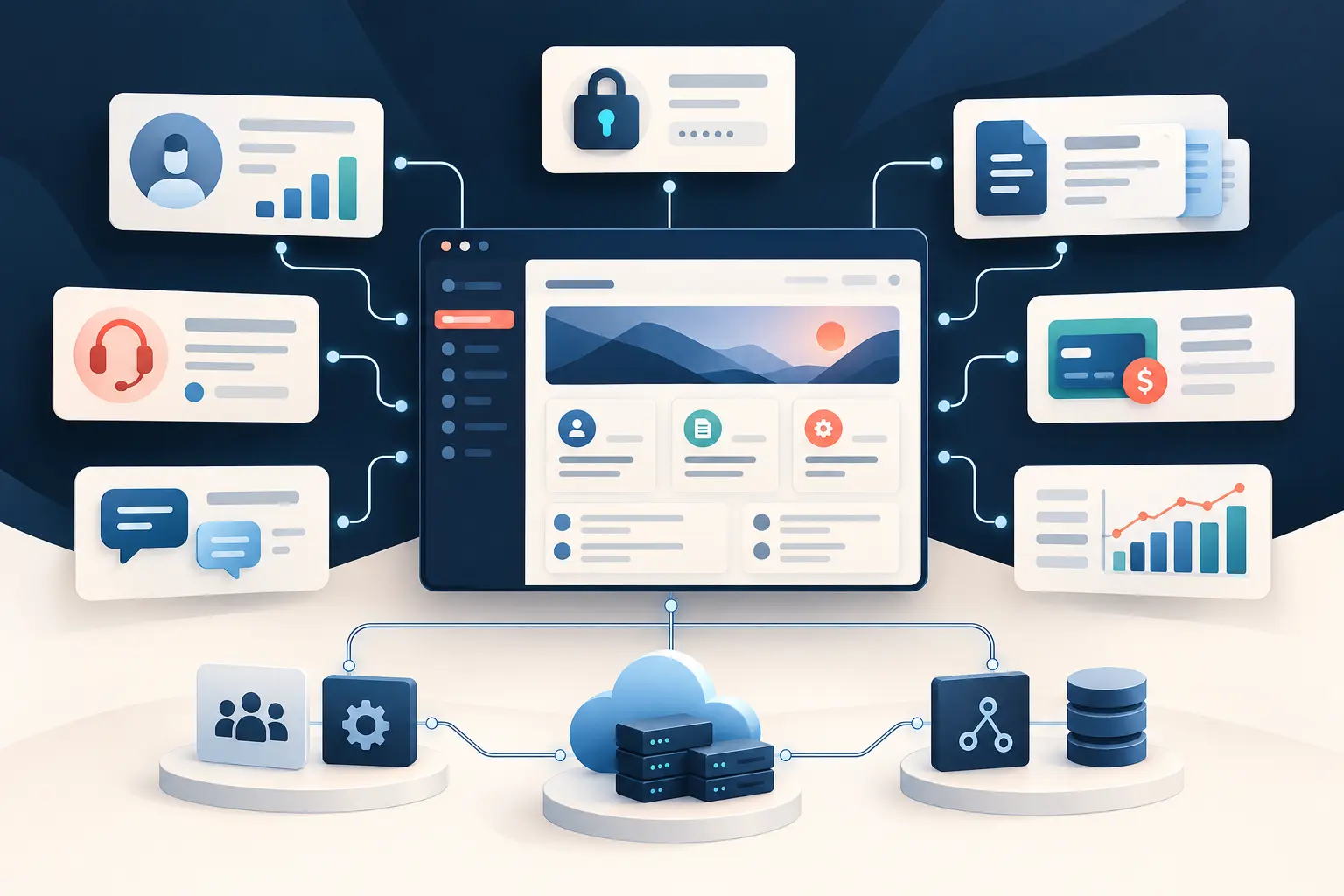
To make a personal website in 2026, define one clear goal, register a memorable domain, choose hosting and a platform, plan a small set of pages, create responsive and accessible content, add essential SEO, test the site, and submit it to Google Search Console. A website builder is enough for many portfolios and professional profiles. WordPress fits content-heavy sites. Custom PHP or Laravel becomes valuable when the website needs accounts, dashboards, integrations, or business automation.
The right starting point is not the most advanced technology. It is the simplest approach that presents you credibly today without blocking what you realistically expect to build tomorrow. This guide walks through that decision from a basic site to a true web application.
Why you still need a personal website in 2026
A personal website gives you a stable, searchable home for your identity, work, and contact information. Social networks, freelance marketplaces, and business directories can help people discover you, but those platforms control the layout, algorithms, account rules, and access to the audience. Your own domain gives you a destination you can place on a resume, business card, proposal, email signature, or profile.
A professional personal website also lets you provide the context that a short profile cannot. You can explain the problem behind a project, your contribution, the outcome, and what you learned. Search engines and AI discovery tools can understand that public, well-structured information and connect it with relevant questions. Our companion article explains more about why owning a personal website still matters; this guide focuses on how to build one.
Step 1: Define your website's purpose
Choose one primary action you want a visitor to take. That action might be contacting you, reviewing your portfolio, downloading a resume, booking a consultation, joining a newsletter, or understanding a new business idea. A precise purpose keeps the site from becoming a collection of unrelated biographies, links, and abandoned features.
Write a one-sentence brief before choosing colors or software: “This website helps audience understand value and take action.” For example, “This website helps local restaurant owners see my food photography and request a project estimate.” That sentence gives you a practical standard for deciding what belongs on the site.
Then list the evidence a visitor needs before taking the action. A consultant may need expertise, case studies, testimonials, and a clear engagement process. A developer may need working projects, technical explanations, and source-code links. A professional seeking employment may need a concise biography, resume, project outcomes, and location or availability. Rank those items by importance rather than giving each equal space.
Also define what the first release will not do. You probably do not need a member portal, custom content management system, online course, scheduling engine, or complex animation simply because those features are possible. A focused first version can start producing value while you learn what visitors actually ask for.
Step 2: Choose a domain name and hosting
Choose a domain that is easy to say, type, and remember. Your name is usually the strongest option for an individual professional. A clear brand name can be better when the site represents a studio, product, or company. Avoid awkward spelling, unnecessary hyphens, and names that could be confused with an established brand.
Register the domain in an account you control. Enable multifactor authentication, keep billing details current, and record renewal information. Your developer or agency may help configure DNS, but the domain should remain a business asset under your ownership. Use a professional email address on the same domain when possible; it reinforces consistency and prevents the website from feeling disconnected from your communication.
Hosting is the service that makes the website available online. Match it to the platform:
- Hosted website builders bundle editing, templates, hosting, security updates, and publishing.
- Managed WordPress hosting handles much of the server work while leaving you responsible for the site, themes, plugins, and content.
- Traditional shared hosting can be economical, but support quality, resource limits, backups, and performance vary.
- Application hosting or cloud infrastructure suits a custom PHP or Laravel website when it needs deployment controls, application processes, databases, storage, or scaling.
Before buying, check HTTPS support, backups, restoration procedures, supported technologies, storage, traffic policies, server location, support access, export options, and renewal pricing. The lowest introductory price is not useful if you cannot recover a broken site or move your content later.
Step 3: Compare website builders, WordPress, and custom PHP
A website builder is usually best for speed and simplicity, WordPress for familiar content management and a large plugin ecosystem, and custom PHP or Laravel for unique behavior and business logic. Select according to requirements, ownership, maintenance capacity, and likely growth—not according to which tool sounds most technical.
| Option | Best fit | Advantages | Tradeoffs |
|---|---|---|---|
| Website builder | Resume, biography, simple portfolio, landing page | Fast setup, hosted service, visual editor, predictable basics | Platform limits, recurring plan, less control over custom workflows and portability |
| WordPress | Blog, publication, service site, frequently edited content | Mature editor, broad theme and plugin choices, many hosting options | Plugin maintenance, security and compatibility responsibilities, customization can become fragmented |
| Custom PHP/Laravel | Portal, dashboard, membership product, custom workflow, integrated business site | Purpose-built behavior, controlled data model, flexible integrations, room for application features | Higher initial effort, requires professional development and ongoing technical ownership |
For a four-page professional profile, custom development may solve a problem you do not have. A builder can be the responsible choice. If publishing is central and nontechnical editors need control, WordPress may fit. If users need different permissions, information must flow between external services, or the site performs work specific to your business, a custom PHP website can provide a cleaner long-term foundation.
Step 4: Plan your website pages and navigation
Most personal websites should begin with four pages: Home, About, Work or Services, and Contact. Give every page a distinct job and label navigation with words visitors already understand. Clever labels make people guess; clear labels help them move.
Home page
State who you are, whom you help, and what you do near the top. Add proof such as selected projects, recognizable experience, a testimonial, or a specific result. End important sections with a relevant next action. “View case studies” is better after a capabilities summary; “Discuss a project” is better after evidence and process.
About page
Write for the visitor, not as an autobiography. Explain the experience and perspective that help you solve their problem. A professional photograph, concise background, credentials that matter, and a few human details are often enough. Avoid unsupported claims such as “world-class” or “best” when concrete experience would be more persuasive.
Work, portfolio, or services page
Show outcomes rather than a wall of screenshots. Each case study can describe the situation, constraints, your role, solution, and result. If confidentiality limits what you can share, explain the kind of problem and your contribution without exposing client information. Service pages should define who the service fits, what is included, and the next step.
Contact page
Ask only for information you will use. A name, email address, short message, and perhaps a project-type field are usually enough. State what happens after submission and provide an alternative contact method when appropriate. Protect the form against spam and test that messages are actually delivered.
Step 5: Design for mobile, accessibility, and speed
A modern personal website must be readable, operable, and fast on a phone as well as a desktop. Start with a flexible layout, legible type, strong contrast, appropriately sized controls, optimized images, and semantic HTML. These fundamentals matter more than decorative effects.
Accessibility is part of professional quality. Use one descriptive page heading, maintain a sensible heading order, add alternative text that communicates the purpose of meaningful images, preserve visible keyboard focus, associate labels with fields, and do not rely on color alone to communicate status. Captions or transcripts make media more useful to more people.
For speed, resize images to the dimensions the layout needs, use modern formats where practical, lazy-load images below the initial view, minimize unnecessary scripts, and choose fonts carefully. Test the real published site on a phone and an ordinary connection. A dramatic animation is not worth delaying the information a visitor came to find.
Step 6: Implement basic technical SEO
Basic technical SEO helps search engines discover, understand, and select the correct version of each page. Give every important page a unique descriptive title, a useful meta description, one clear H1, crawlable internal links, a canonical URL, and content that answers the searcher's likely question.
Use short, stable URLs such as /about, /services, and /work/project-name. Link related pages with descriptive anchor text. Generate an XML sitemap and reference it from a valid robots.txt file. Return real 404 responses for missing pages, redirect retired URLs deliberately, and ensure the HTTPS version of the preferred hostname is canonical.
Write for people first, but make answers easy to extract. A descriptive heading followed by a direct answer, clear steps, concise definitions, and comparison tables help both readers and AI-assisted search systems interpret the page. If implementation details such as canonical rules, rendering, performance, or schema become complicated, developer-led technical SEO services can address the underlying code rather than only producing recommendations.
Step 7: Launch and connect Google Search Console
Launch only after checking content, forms, analytics, redirects, search visibility, performance, security, and recovery. Then verify the domain in Google Search Console, submit the XML sitemap, and inspect the most important URLs. Search Console helps you see whether Google can access the pages and whether indexing problems emerge.
Use a simple launch checklist:
- Proofread every page and verify names, dates, links, and contact details.
- Test navigation, forms, confirmation messages, and email delivery on desktop and mobile.
- Confirm HTTPS, preferred-domain redirects, canonical URLs, robots directives, and the XML sitemap.
- Check page titles, descriptions, social-sharing images, favicon, and image alt text.
- Test keyboard navigation, contrast, responsive layouts, and major browser sizes.
- Verify analytics or privacy-respecting measurement and document who owns each account.
- Run a backup and understand how restoration works before the first urgent problem.
Keep the platform, dependencies, forms, certificates, and backups healthy. Automated uptime checks can identify outages before a prospective client reports them. If the site matters to your work, a website monitoring process should check availability and give someone a clear response path.
When should you consider custom PHP or Laravel?
Consider custom PHP or Laravel when the website must do work that is specific to your users or business—not merely display content. Strong signals include authenticated accounts, different user roles, private data, complex forms, client portals, custom dashboards, payments, external APIs, approval workflows, reporting, or automation across existing systems.
PHP is a server-side language that can power anything from a focused form handler to a complete application. Laravel is a PHP framework that provides established patterns for routing, validation, authentication, authorization, databases, testing, and other application concerns. For substantial products, those conventions make features easier to organize and maintain than assembling unrelated scripts.
A photographer might begin with a portfolio, then need client galleries, image approvals, invoices, and delivery status. A consultant might add a secure resource library, intake workflow, scheduled reports, and CRM integration. A creator might add paid membership, content access rules, and account history. Those are application requirements, and Laravel website development may become a better fit than forcing a collection of plugins to behave like a custom system.
Turning a personal website into a business application
A personal website becomes a business application when it starts storing operational data, enforcing rules, serving signed-in users, or moving work between systems. The transition should follow a proven need. Keep the public marketing pages clear and fast while adding application capabilities behind deliberate boundaries.
For example, a freelance service site could evolve in stages:
- Lead capture: a structured inquiry records project type, timing, and contact consent.
- Qualification: business rules route the inquiry and request the right follow-up information.
- Client portal: authenticated clients review milestones, files, approvals, and invoices.
- Integrations: the application exchanges data with payment, email, accounting, scheduling, or CRM services.
- Reporting and automation: dashboards show status while repetitive notifications and handoffs happen consistently.
At that point, discovery should map users, permissions, data, exceptions, integrations, and success measures before development begins. The goal is not to make the website “more custom.” It is to create a dependable workflow that reduces friction or enables a service that a generic platform cannot deliver well.
When to hire a professional PHP developer
Hire a professional when incorrect implementation would put important data, revenue, privacy, security, integrations, or business operations at risk. You may also need help when the site requires a distinctive design system, a careful migration, reliable form delivery, strong performance, accessible interaction, or technical SEO that reaches beyond page copy.
Bring a short requirements brief to the conversation: target audience, primary action, required pages, examples you like, content readiness, must-have integrations, account ownership, target timing, and budget constraints. Separate launch requirements from later ideas. A good custom website developer should challenge unnecessary features, explain tradeoffs in plain language, and propose a first phase that can be verified.
Frequently asked questions
What is the easiest way to make a personal website?
Choose a domain, use a reputable hosted website builder, start with a simple responsive template, and publish focused Home, About, Work, and Contact pages. This is often enough for a professional profile or portfolio, and you can move to a more flexible platform when requirements justify it.
How much does it cost to make a personal website?
Cost depends on the domain, hosting, platform, design, content, and functionality. A self-built brochure site mainly carries recurring domain and platform fees. Professional strategy, writing, custom design, PHP development, integrations, and support add project costs. Compare total ownership and renewal costs, not just an introductory plan.
Do I need to know how to code to create a personal website?
No. Builders can produce credible informational sites without code. Coding becomes valuable when you need a unique interface, custom data, accounts, integrations, automation, or behavior that standard templates and plugins do not support cleanly.
Is WordPress or custom PHP better for a personal website?
WordPress is often practical for a content-heavy site that benefits from established themes and plugins. Custom PHP or Laravel is better for unique workflows, portals, dashboards, application data, integrations, and automation. A simple site may need neither; a hosted builder can be sufficient.
What pages should a personal website include?
Start with Home, About, Work or Services, and Contact. Add case studies, a resume, testimonials, articles, privacy information, or booking details when they help the visitor understand your value and take the primary action.
How long does it take to build a personal website?
A focused template-based site can come together quickly after the writing and images are ready. A custom site takes longer because discovery, content, interface design, development, integrations, accessibility, testing, and launch verification all require attention. Content preparation is often the part owners underestimate.
Build the simplest website that can grow with you
The best way to make a personal website is to begin with purpose, useful content, clear navigation, and dependable fundamentals. Use a builder when it meets the need. Choose WordPress when publishing and familiar content management are central. Invest in custom PHP or Laravel when the website must become a secure, integrated application that supports real business workflows.
Custom PHP Design helps professionals and small businesses plan, build, and improve websites that have outgrown templates or need software behind the public pages. Explore our custom PHP development services and Laravel development services, or tell us what you want your website to accomplish.