Ready to Move Away from WHM and cPanel?
Recent control panel vulnerabilities are a reminder that your business website should not depend on a broad shared-hosting stack you do not control. We build and migrate sites to Laravel on secure AWS infrastructure designed around your application.
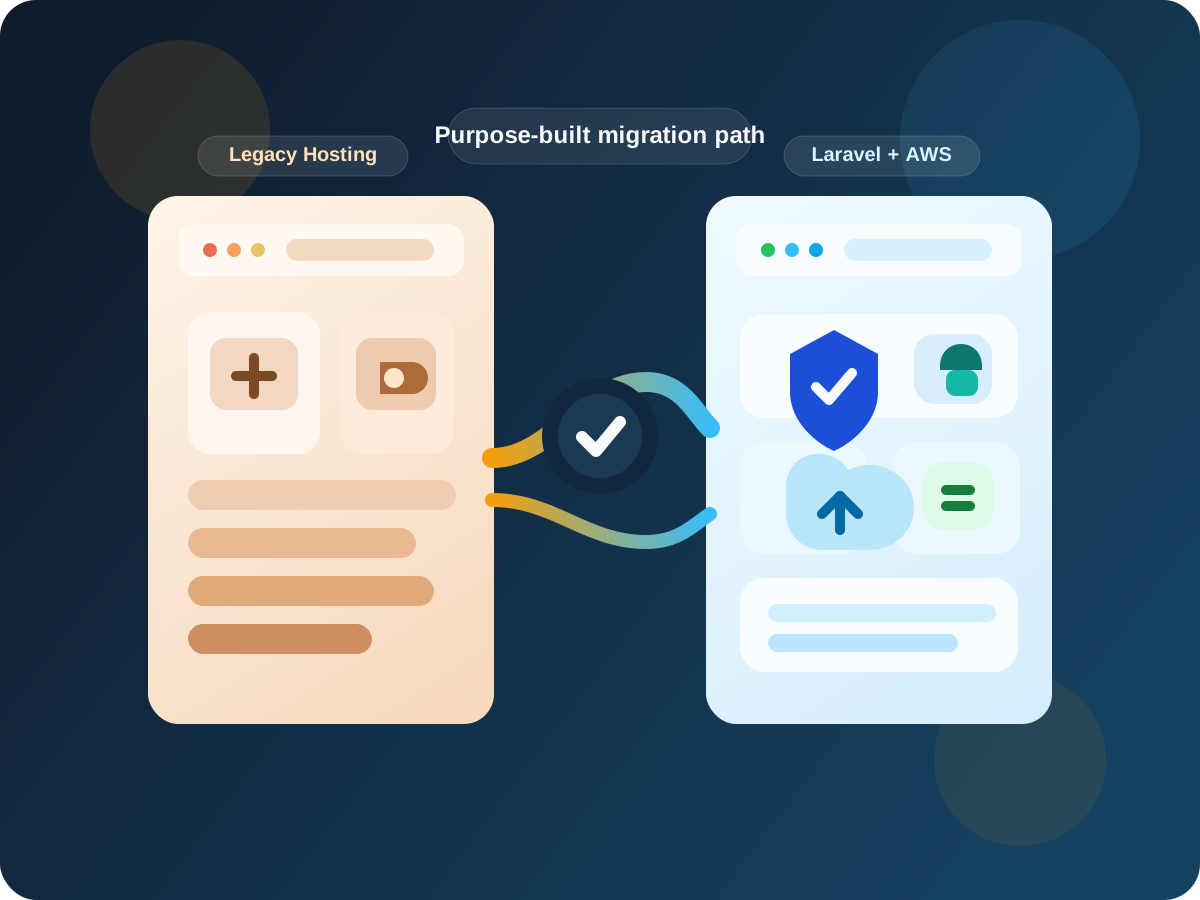
A recent cPanel and WHM issue drew attention for the right reasons
On April 28, 2026, cPanel disclosed CVE-2026-41940, an authentication bypass issue affecting cPanel software, including DNSOnly, after version 11.40. cPanel released patched builds, and NVD describes the issue as a login-flow flaw that could allow unauthorized access to the control panel.
Powerful control panels also create a broad shared management plane
WHM and cPanel are widely used because they manage many hosting tasks in one place. The tradeoff is that when the control panel layer has a serious issue, many unrelated websites can inherit risk because they depend on the same administrative surface. Recent events are a reminder to review whether your business site still belongs on a one-size-fits-all hosting stack.
Laravel on AWS gives you a narrower, more controlled operating model
We do not position Laravel or AWS as magic. The goal is to reduce unnecessary exposure, isolate your application, and build a cleaner environment that is easier to understand, patch, monitor, and control over time.
Related services
If you want to dig deeper, these pages cover the stack and migration work in more detail.
Locked-down access
No public hosting control panel by default, tighter administrative access, and least-privilege IAM where appropriate.
Application-first architecture
Laravel gives us a modern application foundation so the environment is designed around your workflows, not shared-hosting defaults.
Managed AWS services
Managed databases, S3 for assets and backups, CloudFront and WAF where appropriate, and private networking when it improves isolation.
Least privilege and isolation
Better separation between the application, data, credentials, background jobs, and deployment automation.
Monitoring and backup discipline
Logging, health checks, scheduled backups, alerting, and infrastructure documentation that make ongoing support more realistic.
Controlled deployments
Custom deployment workflows let us patch and release more intentionally than relying on a general-purpose hosting control panel.
This is not only for large software products
Many migrations start with a business website that has outgrown bundled hosting. Others start with a custom application or an older PHP system that needs a safer long-term home.
WordPress sites
Marketing sites, content-heavy websites, or partial rebuilds where the business wants more control.
Legacy PHP apps
Older production systems that need modernization without a reckless cutover.
Custom PHP sites
Purpose-built sites and tools that no longer belong inside generic shared hosting.
Brochure sites
Business websites that need cleaner hosting, better forms, and less operational clutter.
Membership portals
Authenticated experiences that benefit from more deliberate permissions and architecture.
Business apps
Internal tools, admin portals, and customer systems that need a maintainable stack.
A practical comparison
This is not about calling every WHM or cPanel deployment bad. It is about recognizing where a broader control-panel stack stops matching the needs of a business that wants cleaner operations and a more purpose-built architecture.
| Category | WHM/cPanel hosting | Custom Laravel on AWS |
|---|---|---|
| Management layer | Broad shared control panel for many hosting tasks and many kinds of sites. | Application-specific stack with services selected for your system. |
| Admin surfaces | More exposed services and admin surfaces are commonly part of the hosting model. | Fewer exposed admin surfaces and tighter access patterns. |
| Dependencies | Heavier dependence on hosting panel features, bundled services, and plugin layers. | Controlled deployments with clearer ownership of framework, services, and release workflow. |
| Isolation | Harder to achieve strong isolation in a generalized shared-hosting model. | Better isolation options across infrastructure, credentials, networking, and workloads. |
| Security posture | Security depends heavily on a broad hosting stack that serves many needs at once. | Modern framework practices, least privilege, managed services, and documented hardening choices. |
| Scalability | Scaling options are often constrained by the hosting platform model. | More flexible architecture for growth, background work, asset delivery, and future integrations. |
A typical move-away-from-WHM engagement
Each migration is different, but the process is usually a phased modernization effort rather than a blind lift-and-shift.
If the site has domain email tied to cPanel, we can also review whether AWS email forwarding should be separated from the web migration so website and email risk are handled more cleanly.
Audit current site or app
Inventory the existing hosting setup, dependencies, plugins, forms, scheduled jobs, and business-critical paths.
Map data and integrations
Identify data, uploads, forms, email behavior, cron jobs, payment flows, and third-party integrations.
Rebuild or migrate into Laravel
Choose the safest path for the application itself, whether that is a rebuild, phased migration, or targeted modernization.
Deploy to AWS
Set up the infrastructure, controlled deployment flow, access policies, backups, and baseline observability.
Test, harden, and monitor
Validate forms, logins, data flows, alerts, performance, and post-launch support readiness before cutover.
Cut over DNS
Switch traffic only after the migration has been reviewed, documented, and prepared for rollback if needed.
If your business is ready to stop depending on WHM/cPanel hosting, Custom PHP Design can help you move to a cleaner Laravel + AWS architecture.
The right answer is not always a full rebuild on day one. Sometimes the best move is an audit, a staged migration plan, or a targeted modernization project that reduces dependency gradually while preserving what already works.
Helpful next steps
Business owners often start by comparing migration paths, security posture, and deployment options.
Security note
No hosting platform can eliminate every security risk. Our goal is to reduce unnecessary exposure, follow modern security practices, and build infrastructure that is easier to monitor, patch, and control.